
Miramis' (formerly Pocketlaw) own e-signing
With our native solution there is no need for additional e-signing providers. Our e-signing is included in all of our paid plans. To get started, upgrade to a paid plan in your account, or reach out to us in the chat, or talk to your Customer Success Manager.
The following features and functionalities are included:
You can use Miramis' e-signing with documents that you’ve created within the platform, as well as with documents that you’ve created and filled out outside of the platform. To sign a contract created outside of Miramis, simply upload the document into the platform.
Add attachments to the agreement during the e-signing process.
Add one or several parties to participate in the e-signing process. The following roles are available:
Signing party: A person who will sign the document
Non-signing party: A person who will get information about the signing process through e-mail but will not be able or required to sign the document
Signature type: When adding a signing party, the user can decide whether the person should sign only through e-mail or if additional authentication should be required. Currently, only Swedish Bank-ID is available as an authentication method.
The signature types offered fulfill the requirements in the EU directive on e-signing (eIDAS).
Signing order: The user can specify in which order the signing requests are sent to signees for a document. If this is not specified, the document will be sent out to all signatories simultaneously.
Share the signed document with signing parties by e-mail. The signed contract is also automatically uploaded and stored as a new version of the document in Miramis.
The status of the document in Miramis will be updated during the signing process.
Integrations with other providers
In addition to our own e-signing solution we have an integration with Scrive and DocuSign. If your company wants to connect one of these providers to your Miramis account you need to create a subscription with that provider*. Limitations linked to the integrations with other providers:
You can only connect one account to your Miramis account. This means that all users in Miramis will be sending documents from the same sender/account in Scrive or DocuSign.
You cannot set a signing order.
We only offer simple e-signature (approve by e-mail)
If you use Scrive we provide BankID.
*All questions about prices and plans will be answered by the external providers.

Disclaimer:
Please note: Miramis is not a substitute for an attorney or law firm. So, should you have any legal questions on the content of this page, please get in touch with a qualified legal professional.
Related articles
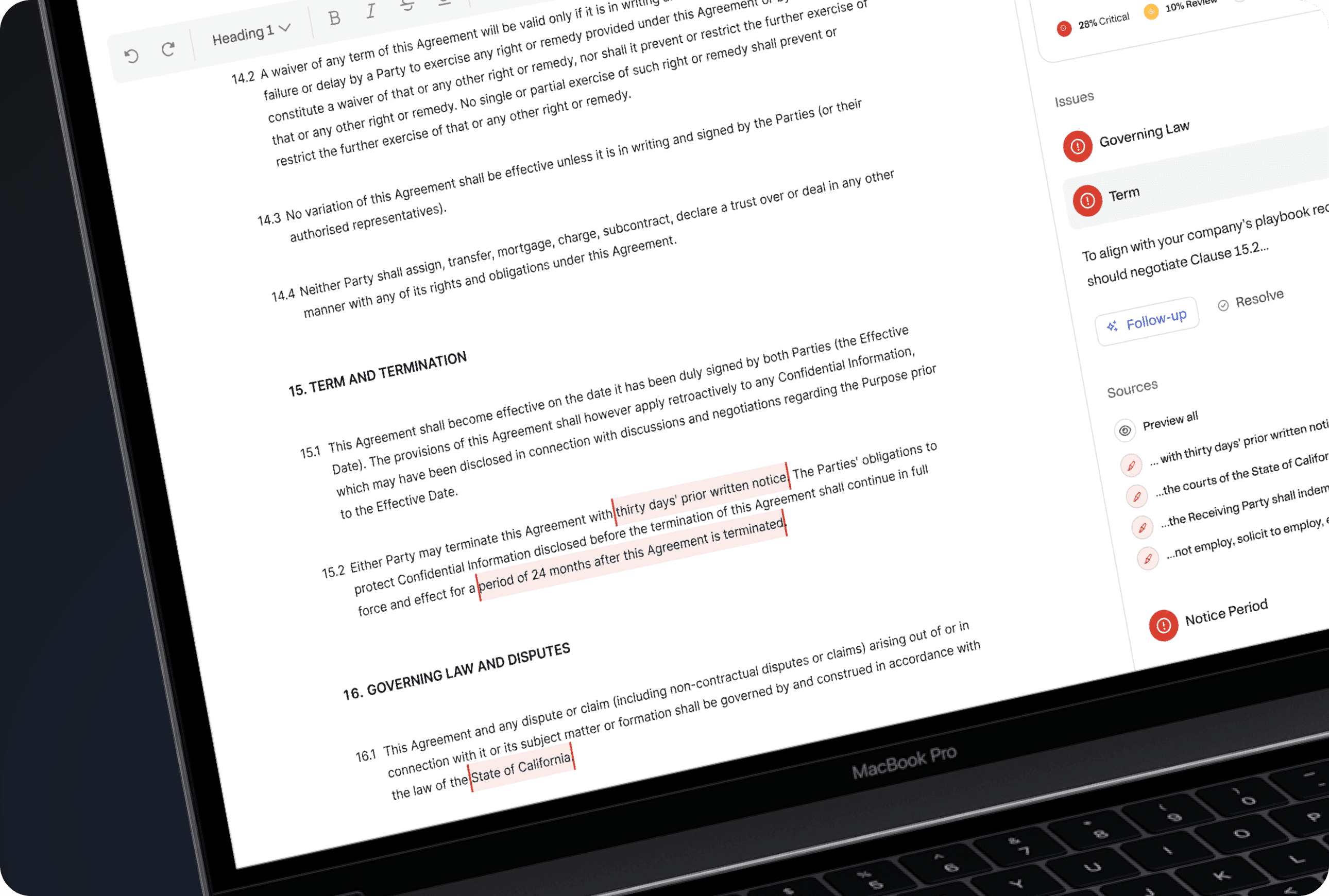
Simplifying Contract Review with AI: Buyer's Guide
Discover AI's impact on contract review. Save time, and money & mitigate risks. Find the perfect solution in our AI contract review buyer's guide
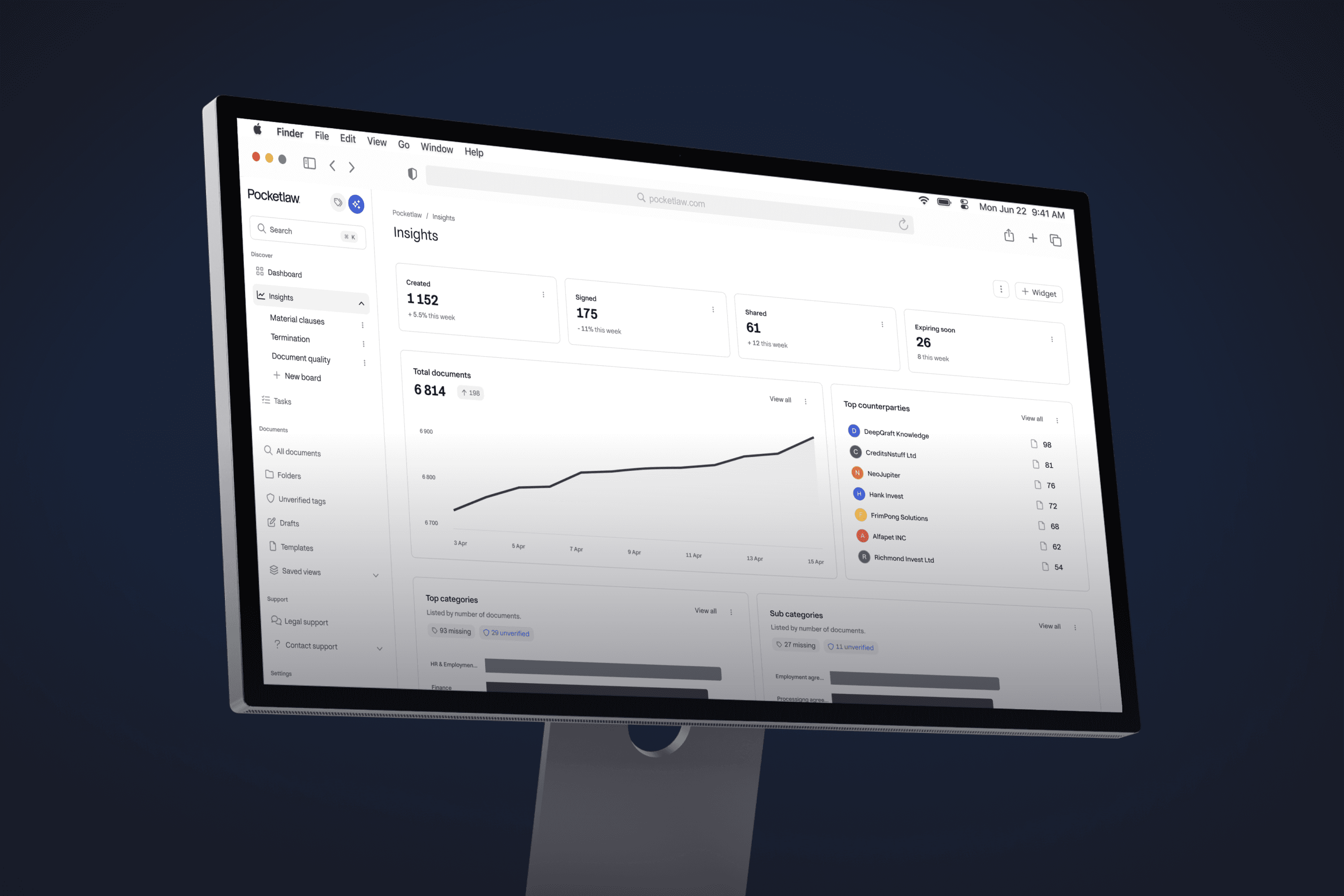
Contract Management Platform The Ultimate Guide
Master a contract management platform with our comprehensive guide. Improve your processes and enhance your efficiencies. Learn how now.

AI Metadata Labelling for Simplified Contract Management
Transform your contract management with AI metadata labelling. Streamline processes, enhance accuracy, and simplify document handling effortlessly.