
You get started by selecting the Users & Access tab which will allow you to invite your colleagues to Pocketlaw. Simply click the Invite button, fill in the e-mail address and select the appropriate access level for that persons role.
Understanding Pocketlaw Access Levels
Admin
An Admin in PocketLaw is someone who can see and edit everything created and uploaded by all users within the app. Admins can also edit the company settings, invite other users onto the platform and edit the Workspaces. Make sure you only give admin access to a limited number of people.
Team Manager
A Team Manager can only see and edit the content that they create or upload or content that someone has given them access to. A Team Manager can view all templates and can create as many as they desire. Team Managers can invite new Users and Team Managers to the platform as well as edit the Workspaces.
User
A User can, just like a Team Manager, only see content created or uploaded by themselves or content that someone has given them access to. A user can create all templates. Users cannot invite anyone to the platform.
Workspaces Access
Admins are able to edit and change the subfolders within the Workspaces. They can provide access to others to view specific folders or documents within a folder.

Disclaimer:
Please note: Miramis is not a substitute for an attorney or law firm. So, should you have any legal questions on the content of this page, please get in touch with a qualified legal professional.
Related articles
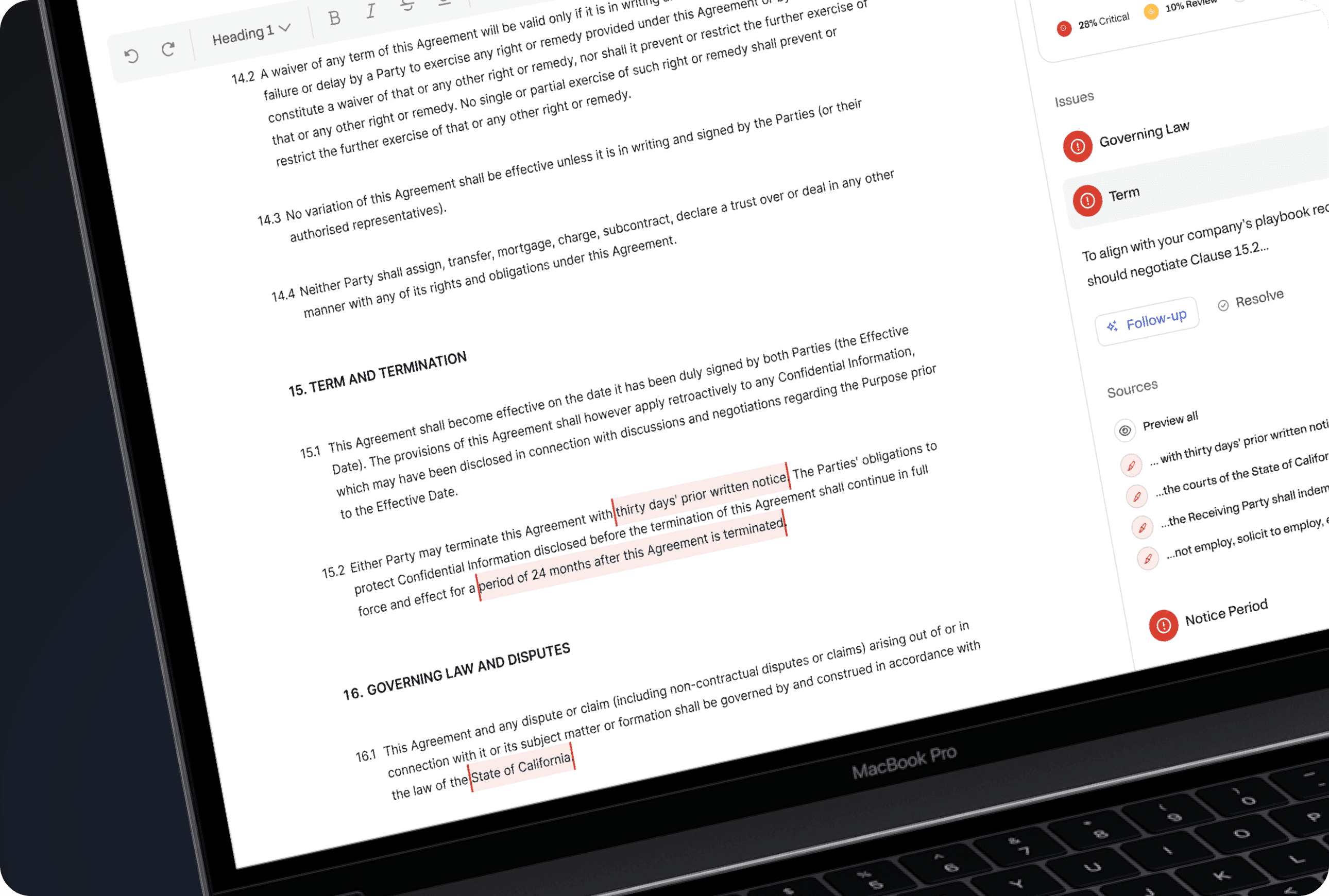
Simplifying Contract Review with AI: Buyer's Guide
Discover AI's impact on contract review. Save time, and money & mitigate risks. Find the perfect solution in our AI contract review buyer's guide
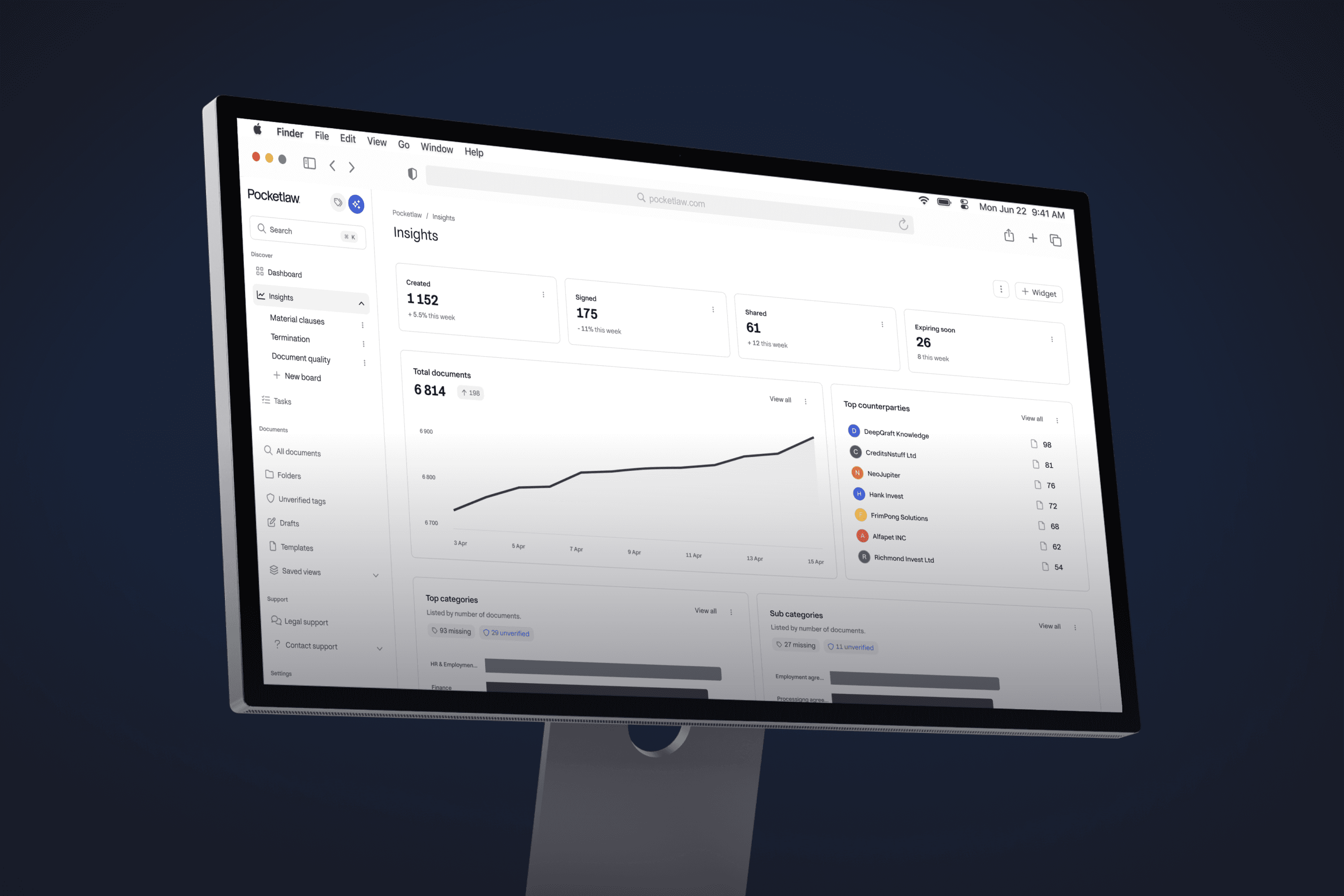
Contract Management Platform The Ultimate Guide
Master a contract management platform with our comprehensive guide. Improve your processes and enhance your efficiencies. Learn how now.

AI Metadata Labelling for Simplified Contract Management
Transform your contract management with AI metadata labelling. Streamline processes, enhance accuracy, and simplify document handling effortlessly.