
Approval workflows that hold up in practice
Setting the rule once was never the hard part. The hard part was making sure it still applied after someone edited the document, or when only one approver was in the loop, or when eSigning shouldn't have been possible yet.
Miramis now reruns the check automatically if a document changes after approval or eSigning has already been assessed, and prompts you to rerun it if you have either tab open while editing. If the check says approval is needed, eSigning stays blocked until that approval has actually been granted, not just requested. And when only one approver is selected, the extra step of choosing "all of" or "one of" is gone.
Approvers get a smoother way in, too. Open a document you need to approve and the sidebar opens straight to the approval section, with revision history one click away in the top right corner, whether the document is in approval, out for eSigning, or already signed.
Learn more about our contract workflow capabilities.

eSigning: built into the contract, not disconnected from it
An eSigning tool that sits apart from the rest of the contract is still one more place things can go wrong. This quarter's work is about closing that distance further.
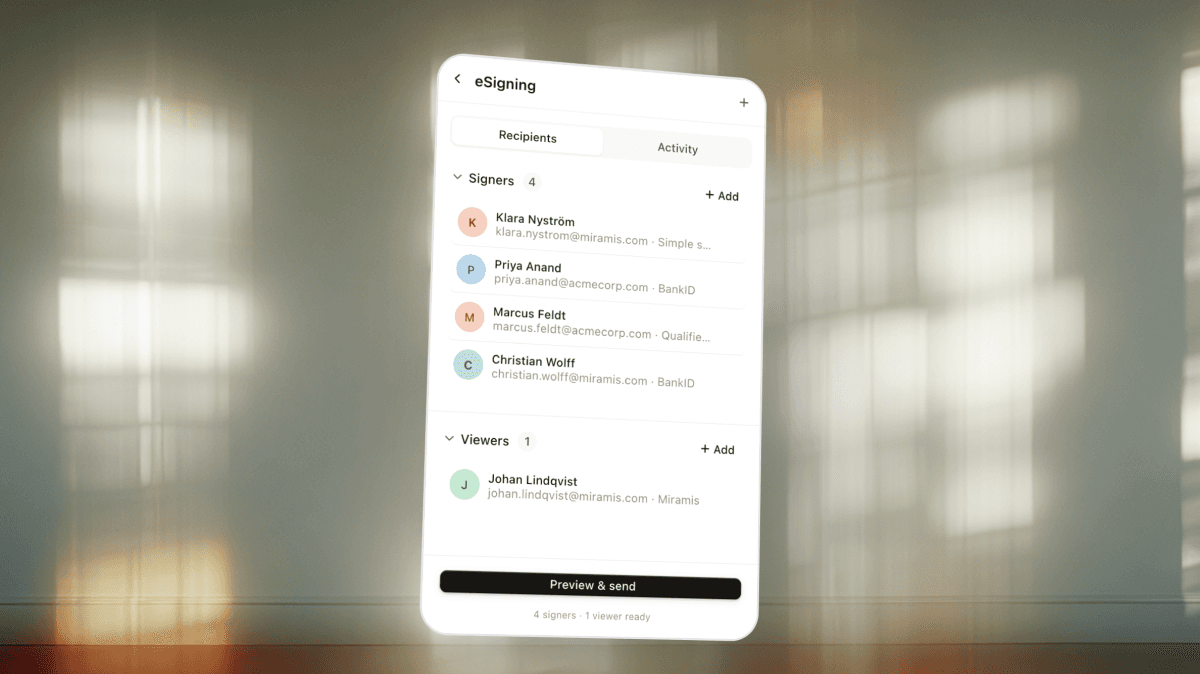
You can now edit approvers and viewers on a document that has already been sent for eSigning, rather than starting the send over. If a document still has suggestions that haven't been approved or rejected, Miramis flags it before you send, so nothing gets signed with open redlines by accident. Signers can type their signature as well as draw it, with their name filled in automatically. Timestamps on signed documents now state GMT explicitly, and if a DocuSign send fails because your account is out of credits, you'll get a clear message telling you why, instead of a generic error.
None of this is a bolt-on. It's the same eSigning that lives inside your contract, getting more capable.
See the eSigning experience.
A contract repository built to handle scale
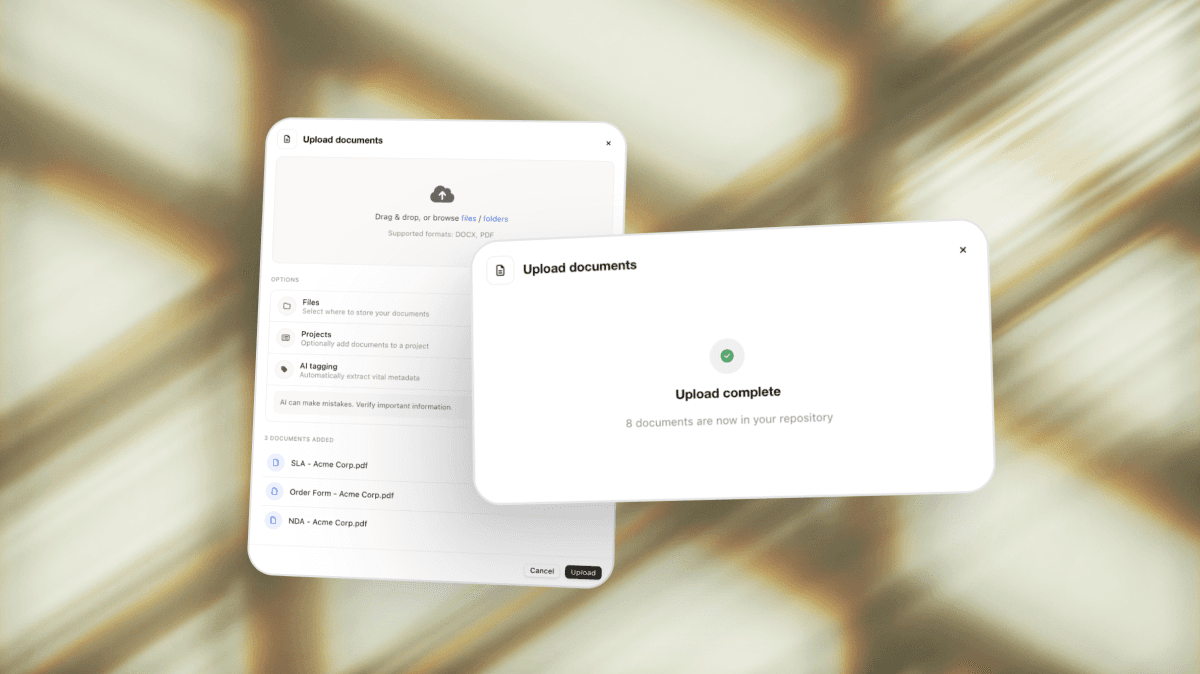
A messy archive doesn't get easier to manage on its own, and manually tagging thousands of legacy contracts was never going to be the fix. You can now upload up to 1,000 files in a single batch, up to 2GB total, and Miramis extracts and structures the metadata as they land.
Search keeps pace once everything's in. Results now appear from the first character typed, defaulting to document titles so the result you want isn't buried under contract text matches. Document tables show 100 contracts per page instead of 20, and load faster.
Owners can also publish a saved view or a dashboard to the whole account, so everyone works from the same picture rather than rebuilding their own filters. The configuration is shared; what each person sees still depends on their own access. On the dashboard itself, notice dates and termination dates now sit together in one widget, each with its own icon, so a termination window is as visible as a renewal reminder.
See how the contract repository brings every contract under control.
Deeper integrations with HubSpot and Salesforce
Sales teams using HubSpot or Salesforce can create contracts and send them for eSigning without leaving their CRM. Deal data pulls through automatically, so there's no rekeying customer details into a template by hand.
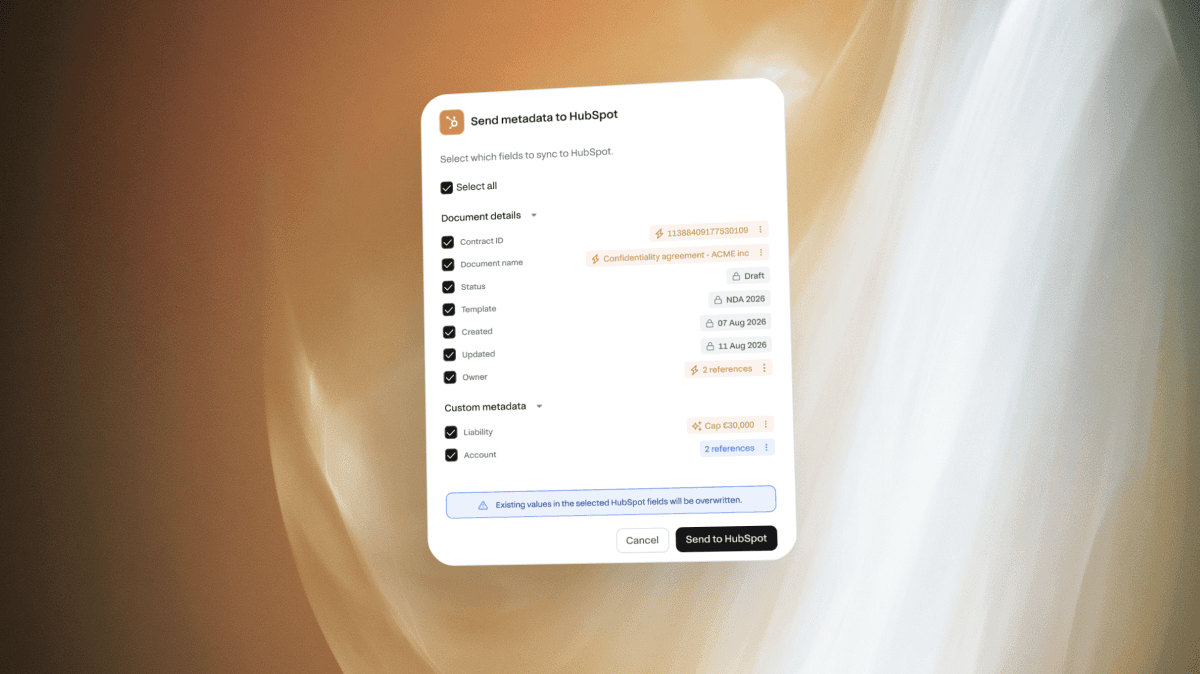
Contract data now flows back the other way, too. Owners can map Miramis metadata fields to HubSpot properties per record type and template, then push values from a document's metadata tab, with a preview of exactly what will be sent before anything is confirmed. The push is manual by design, so nothing in HubSpot gets overwritten without a person deciding it should be. On both CRMs, whoever creates a document from within HubSpot or Salesforce becomes its contract owner in Miramis, so ownership is right from the start rather than reassigned later.
See the HubSpot and Salesforce integrations.
Editor and templates: fewer surprises between Miramis and Word
Round-tripping a document through Word has historically been where formatting broke. Exporting to Word, editing, and importing back now preserves formatting far more reliably, including indentation on numbered and bulleted lists. Documents downloaded as PDF now show the correct font size in tables, and Word documents viewed inside Miramis look much closer to the original.
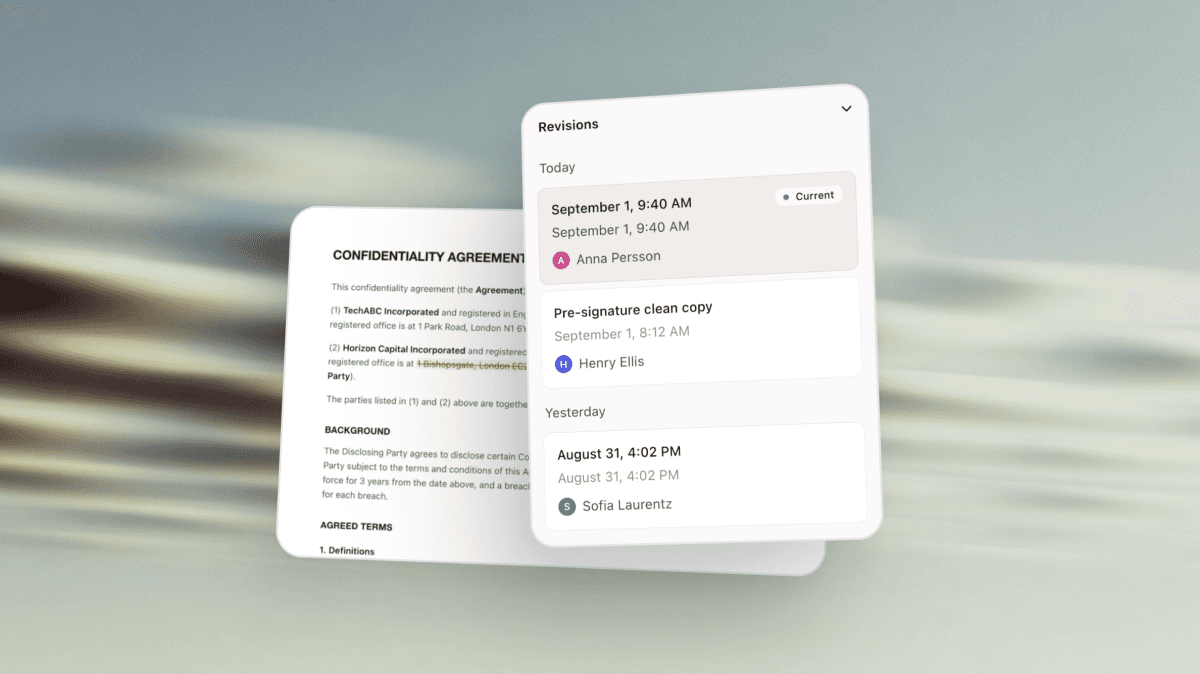
Revision history is now available everywhere a document goes: during approval, during eSigning, and after it's been signed, with one consistent entrance in the top right corner. Templates also support a second table type built for page layout rather than data, useful for bilingual documents where two language versions need to sit side by side.
What this all adds up to
Miramis is the AI-native contract lifecycle management platform built for the whole business, not just the legal team. Each of these updates pushes that further: approvals that enforce themselves, signing that's part of the document rather than a detour from it, a repository that can absorb an entire legacy archive in one sitting, and contract data that moves with the CRM instead of living apart from it.
The result is the same idea, applied across more of the contract journey: contract work that moves at the speed of the business, with the visibility and control Legal needs.
Contract work without friction. Contract intelligence without limits.

Disclaimer:
Please note: Miramis is not a substitute for an attorney or law firm. So, should you have any legal questions on the content of this page, please get in touch with a qualified legal professional.
Related articles

Miramis Connect - Bringing Miramis into your everyday AI agents
Connect Miramis to the AI tools your team already uses. Search, analyse, and act on contracts directly from Claude, ChatGPT, Copilot, or Gemini.

What's new in Miramis - Spring 2026
Everything Miramis has shipped this year: AI-native approval workflows, custom metadata extraction, a redesigned eSigning experience, HubSpot and Salesforce integrations, and a new dashboard. Here's what's changed and what it means for contract workflows.

Product Update: Projects
Discover Miramis Projects: group related contracts, build hierarchies, and use AI with full context for faster, clearer contract management. Learn more...